
How do I delete my Linkbio account?

Kira
Last Update 10 months ago
If you're no longer interested in having a Linkbio account, we offer the ability to remove it.
Follow these steps:
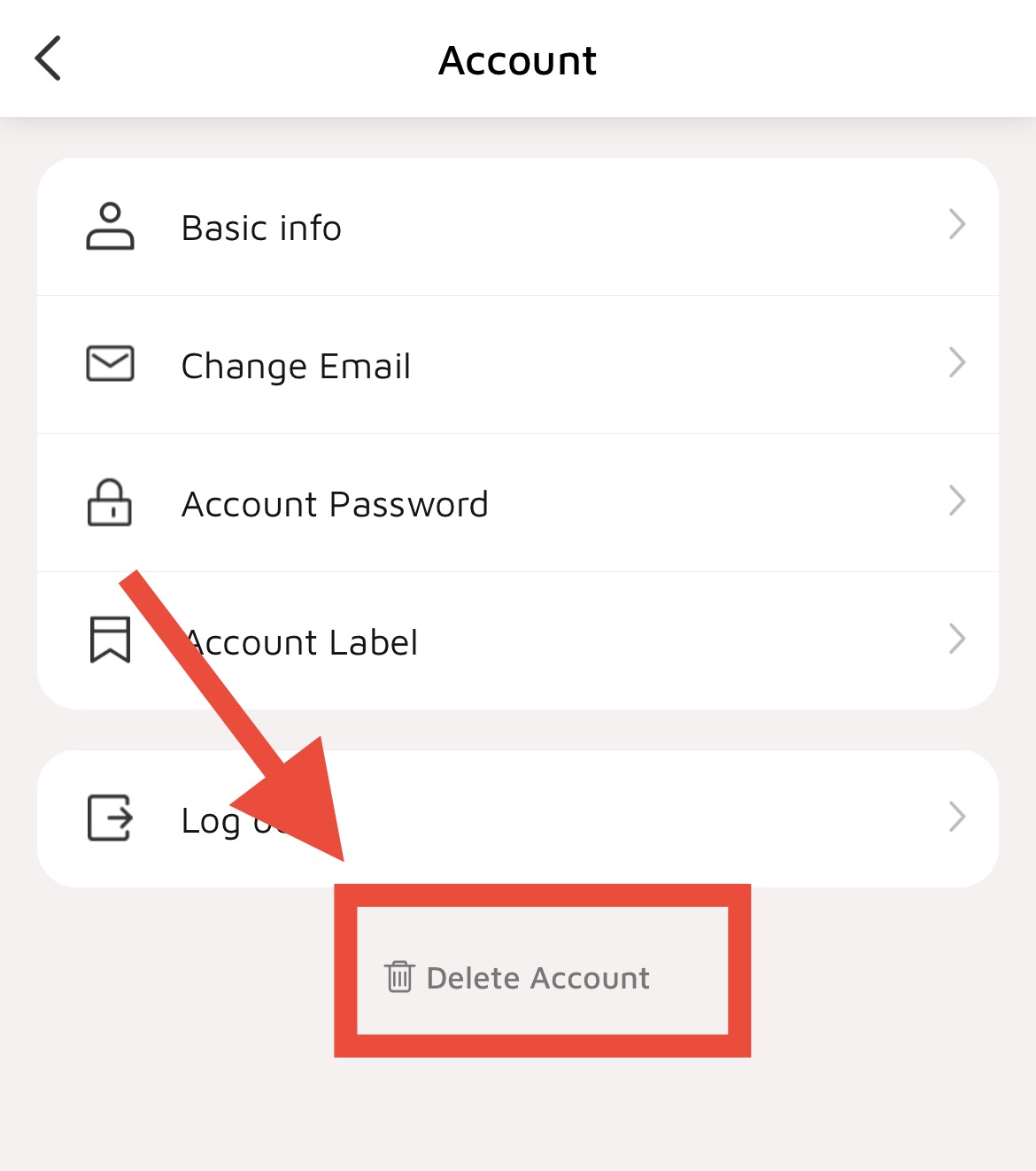
1. Log in to your Linkbio account, go to the "Account" page, and click on "Account Details."

2. Tap on "Delete Account" to delete your Linkbio account.
Deleting your account is irreversible. Your Instabio URL will no longer be active or accessible. We have no way of restoring your Linkbio data or reactivating your account so if you would like to use Linkbio again after you delete your account, you will need to signup again.